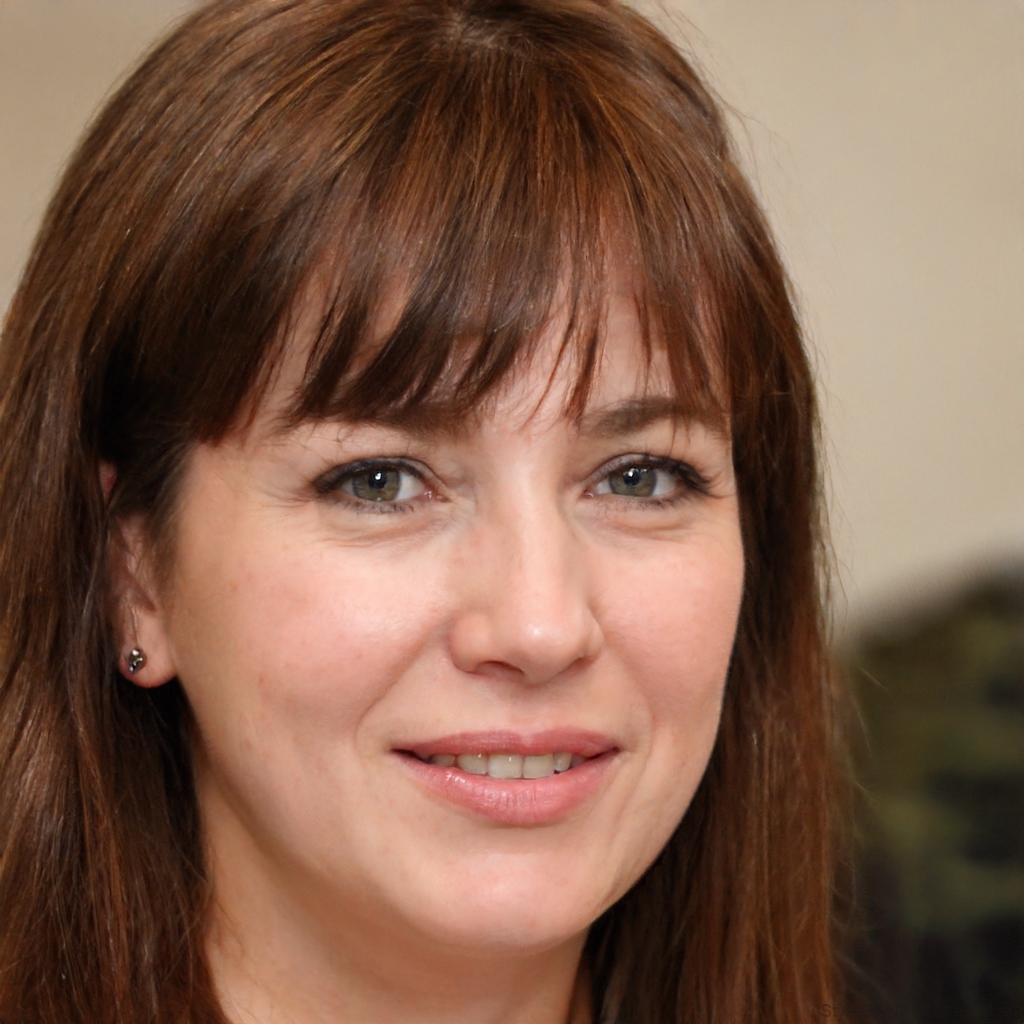
Priya S.
Dental Automation Specialist
Six years in clinic front-office operations. Builds intake, reminder and recall workflows that cut no-shows without adding a phone call.
- Claude
- Zapier
- Twilio
- Google Calendar
 Delegated AI
For dental practices and orthodontists. Placed within a week, working inside Dentrix or Open Dental.
Priya S.
Dental Automation Specialist
Six years in clinic front-office operations. Builds intake, reminder and recall workflows that cut no-shows without adding a phone call.

Maria GomezContent Writer, Delegated AIWrites Delegated AI's guides on automation and delegation.
A dental automation specialist builds the workflows that send recall reminders, confirm appointments, collect intake forms and verify insurance without the front desk lifting a finger. They work inside Dentrix, Open Dental, NexHealth and Weave, connecting Zapier and Claude so every overdue patient gets a touchpoint and every no-show slot gets filled before it costs you a chair hour.
Last updated
Your Dentrix recall list has 400 patients who are six months overdue. Your front desk has two people, a ringing phone, and a check-in queue. The recall calls happen when someone finds a spare ten minutes, which means they mostly don't happen. And every morning starts with a scan for same-day cancellations that nobody has thought to fill from the waitlist.
An empty hygiene chair for one hour costs more than the reminder that would have filled it, and a patient who goes a year without a recall touchpoint often books somewhere else next time.
Overdue patients contacted and rebooked without a single manual phone call.
Forms collected before arrival and synced to the chart with no re-keying.
Cancelled slots filled from the waitlist before the chair goes cold.
One specialist, one flat price, and every workflow they build belongs to you.
A dedicated specialist covering your patient communication across the week, including the evenings when prospective patients search and request appointments online.
No setup fee. No contract. Stop whenever you want.
Never scoped, never billed per project. The backlog just keeps moving.
Everything is built in your own tools. Cancel and it all keeps running.
A short Friday note on what was automated this week and the hours it saves you.
Academy-trained, background-checked, least-access credentials.
| Delegated AI specialist | Freelance consultant | Automation agency | Doing it in-house | |
|---|---|---|---|---|
| What you pay | One flat monthly rate for 20 hours a week | $75 to $150 an hour | A project fee, then a retainer | A front desk salary, or your evenings |
| Knows dental workflows | Placed from clinic front-office backgrounds | Depends entirely who you get | Sometimes, on the senior accounts | You do |
| First workflow live | Week one | After scoping and a signed statement of work | After discovery and onboarding | Between patients, eventually |
| Works in your PMS | Dentrix, Open Dental, NexHealth, Weave, or whatever you run | If they have used it before | Often only their supported stack | Yes |
| Patient data handled correctly | Automations run inside your HIPAA-compliant systems; a BAA is in place before any PHI is touched | Varies by practitioner | Depends on their compliance setup | Yes, with your existing processes |
| If you stop | Every workflow keeps running in your accounts | You inherit whatever is documented | Access can end with the contract | Nothing changes |
The consultant and agency columns describe how those engagements are usually structured, not any one firm. Your own quote is confirmed on the intro call.
Your specialist comes AI-trained and fully fluent in:
 Zapier
 Claude
 Twilio
 n8n
n8n Google Calendar
 Gmail
Gmail Google Sheets
 Airtable
 Slack
Slack Calendly
 Notion
Thursday 9:14 AM
Monday 8:17 AM
Wednesday 5:02 PM
Our recall list was a pile we kept meaning to get to. By the end of the first week the reminders were running and appointments were coming back in on their own. The front desk stopped asking when we'd hire another person.
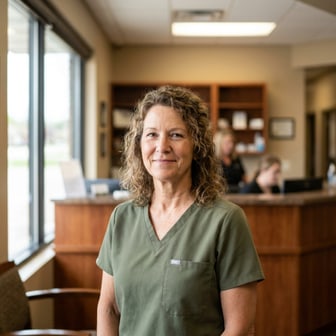 Karen M.Practice Owner, two-location dental practiceVerified client
New patients used to arrive with blank clipboards. Now the intake form is done before they walk in, and it goes straight into the chart. Check-in takes two minutes instead of fifteen.
 David R.Office Manager, general dentistryVerified client
Month-to-month, cancel whenever you want. If your specialist is not the right fit, we replace them free. And every workflow lives in your own accounts, so it stays yours either way.
5
Every specialist is matched by hand to your stack, your tools and your timezone, which caps how many businesses we can start properly. When this month is full, the next start date is the following month.
One flat fee.
Your dedicated AI Automation Specialist for Dental Practices, 20 hours a week.
Month-to-month. No setup fee. Cancel anytime and keep every workflow.
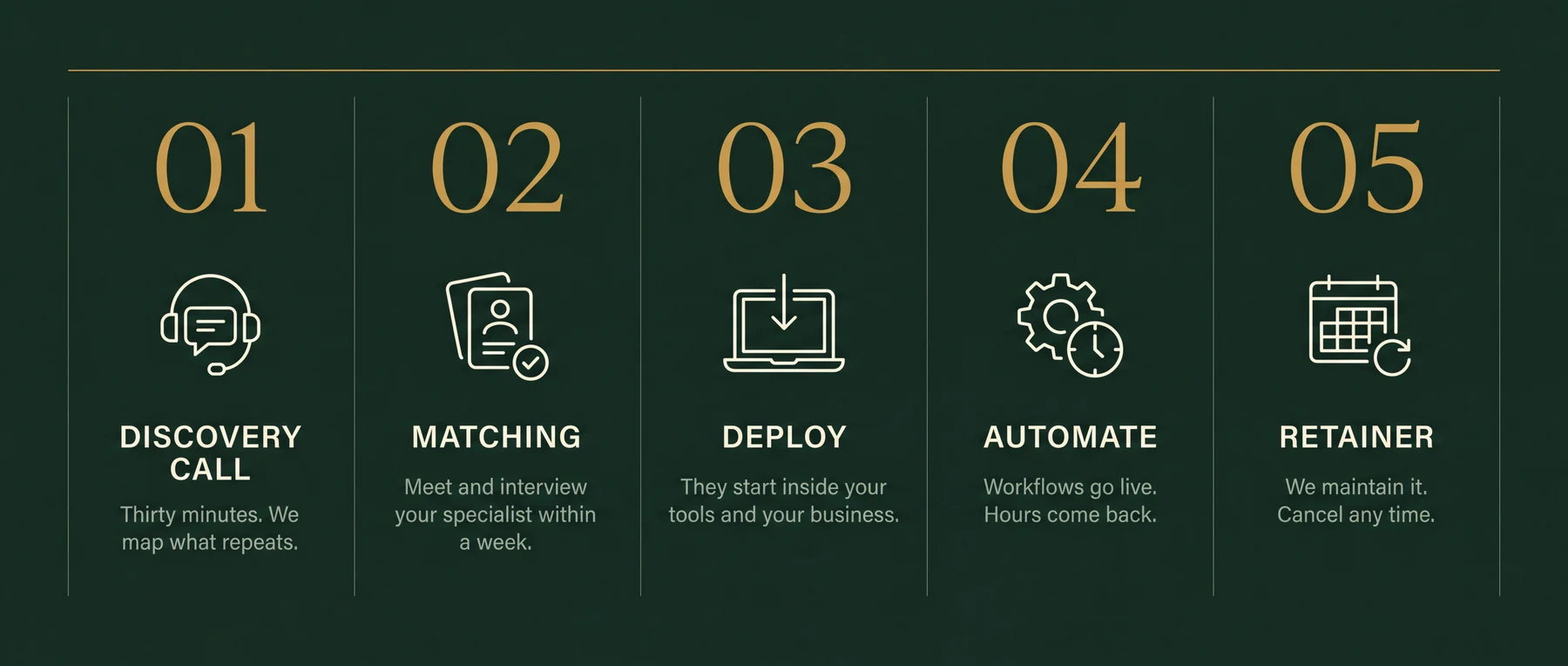
Thirty minutes. Bring your messiest week. You leave with the three workflows worth automating first, sequenced and yours to keep. If we're a fit, your specialist starts within a week.
Recall and reactivation sequences for overdue patients, appointment reminders and confirmations, new patient intake forms and chart sync, insurance eligibility verification, waitlist management for same-day cancellations, after-hours lead capture, and review requests after appointments. The intro call maps which of those is costing your practice the most.
Yes. Your specialist builds automations that connect to Dentrix through NexHealth or Weave, which have certified integrations with the Dentrix data layer. You do not need to change your practice management software.
Yes. Open Dental's open API makes it straightforward to build recall, reminder and intake workflows that write back to the patient record. Your specialist works within the tools you already run.
Automations run inside your existing HIPAA-compliant platforms, such as Dentrix, Open Dental, NexHealth and Weave. A Business Associate Agreement is in place before any workflow touches protected health information. Your specialist does not store or handle PHI outside your own systems.
Yes, and that is usually one of the first builds. When a cancellation comes in, a text goes to the waitlist immediately. The first patient to reply gets the slot, and the calendar updates without anyone at the front desk making a call.
Yes. The automation pulls patients who are past their recall interval from Dentrix or Open Dental, then runs a sequence of texts and emails until they book. You set the cadence and message; the specialist builds and monitors it.
Yes. When a new patient appointment is confirmed, the intake form link goes out automatically. Completed forms sync to the patient record so staff do not re-key anything. Patients arrive already checked in.
The first workflow is typically running in week one. The intro call establishes which problem costs the most: usually recall, no-shows, or intake. That one ships first while the next is being scoped.
No. You describe the outcome you want, such as fewer no-shows or a shorter recall list, and the specialist handles the tool selection and build. You approve the workflow before it goes live.
Thirty minutes on your messiest week. The three workflows worth automating first are yours to keep either way.